AI-Driven Personalization & Adaptive Interfaces: Designing for "One User"
Standard "personas" are dead. Learn how adaptive UIs use real-time data to change layout, content, and flow for individual users. Tools like Dynamic Yield and personalized Layout LMs.

1) Context & Hook
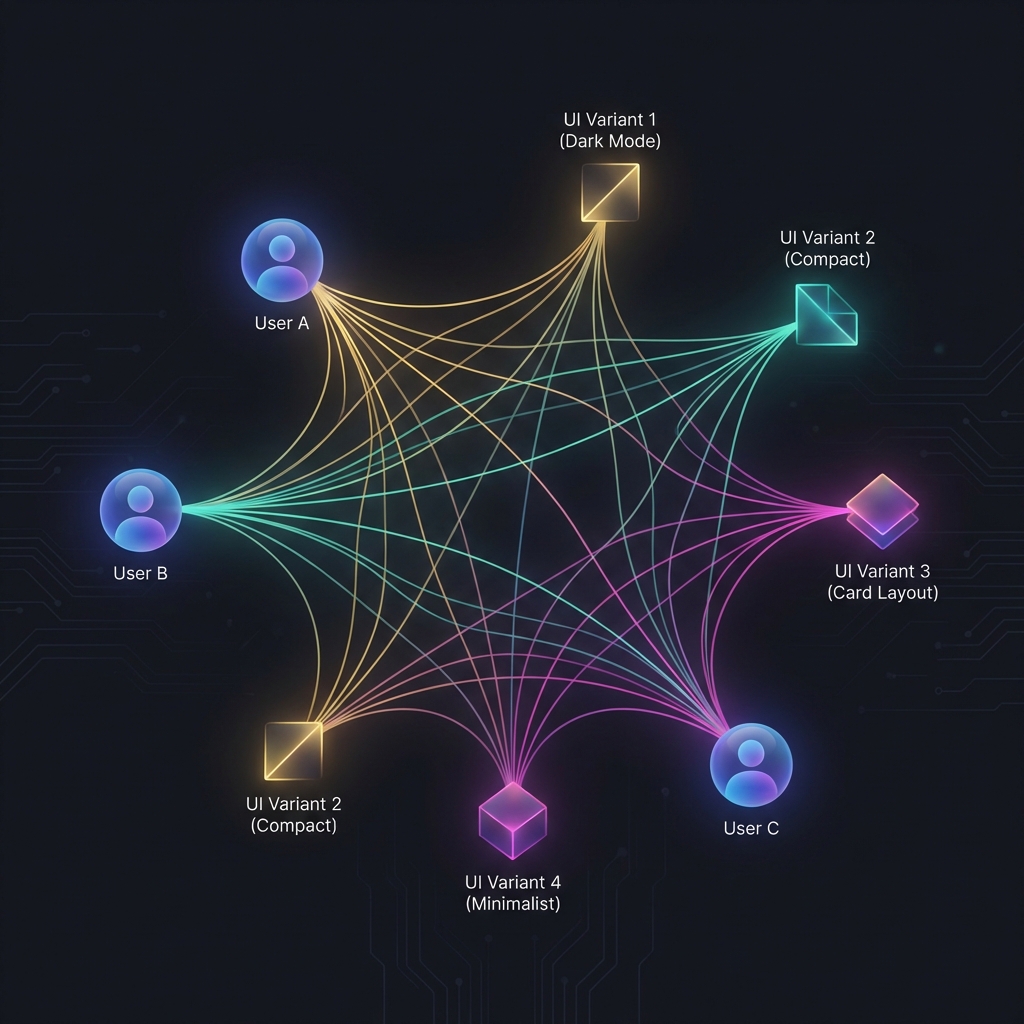
For 20 years, we designed “Responsive” interfaces (adapting to screen size). Now, we are designing “Adaptive” interfaces (adapting to user intent). A “Senior Power User” and a “First-Time Visitor” should not see the same dashboard. The Power User wants density and shortcuts; the Visitor wants guidance and clarity. AI enables specific interfaces to be generated/served in real-time based on behavioral data. The designer’s job shifts from designing the page to designing the rules for the page.
2) The Technology Through a Designer’s Lens
This relies on Real-Time Prediction Models.
- Input: User history, current time, referral source, mouse velocity.
- Decision: “Is this user confused?” vs “Is this user in a rush?”
- Output: Swap the “Feature Hero” component for a “Search Bar” component.
Representative Tools:
- Dynamic Yield (Mastercard): Enterprise personalization engine.
- Optimizely: Experimentation and adaptive content.
- Bloomreach: E-commerce search and grid personalization.
- Builder.io: Visual CMS that supports personalized component delivery.
3) Core Design Workflows Transformed
A. The “Homepage” Paradox
- Old Workflow: Battle between Marketing (“Promote the new feature!”) and Product (“Show the user’s data!”).
- AI Workflow: The homepage is dynamic.
- User Segment A (Prospect): Sees marketing video.
- User Segment B (Active Customer): Sees “Resume Project” dashboard.
- Impact: Higher relevance for everyone.
B. Adaptive Onboarding
- Old Workflow: Everyone gets the same 5-step tour.
- AI Workflow:
- Tech-Savvy User: Skips tour, shows “New Features” tooltip.
- Confused User: Detects “Rage Clicks”—interjects with “Need help?”
- Impact: Reduced churn.
C. Content Sorting (Feeds)
- Old Workflow: Chronological list.
- AI Workflow: Probability-ranked list. “Show the items this user is 80% likely to buy.”
- Impact: Massive engagement lift (Netflix model).
4) Tool & Approach Comparison
| Tool | Primary Use | Strengths | Limitations | Pricing | Best For |
|---|---|---|---|---|---|
| Dynamic Yield | E-Com / Media | Deep integration with data; robust logic. | Enterprise pricing; complex setup. | $$$$ | Retail Giants |
| Builder.io | Visual Editing | Easy tailored components for marketers. | Requires developer integration. | $$ | SaaS Marketing Sites |
| Heap / Segment | Data (The Brain) | Captures the data needed to personalize. | Doesn’t change the UI itself (needs integration). | $$ | Data Teams |
| Custom LLM | In-App text | “Rewrite this intro for a CTO.” | Slow latency if generating live. | - | Product Innovation |
5) Case Study: Netflix “Artwork Personalization”
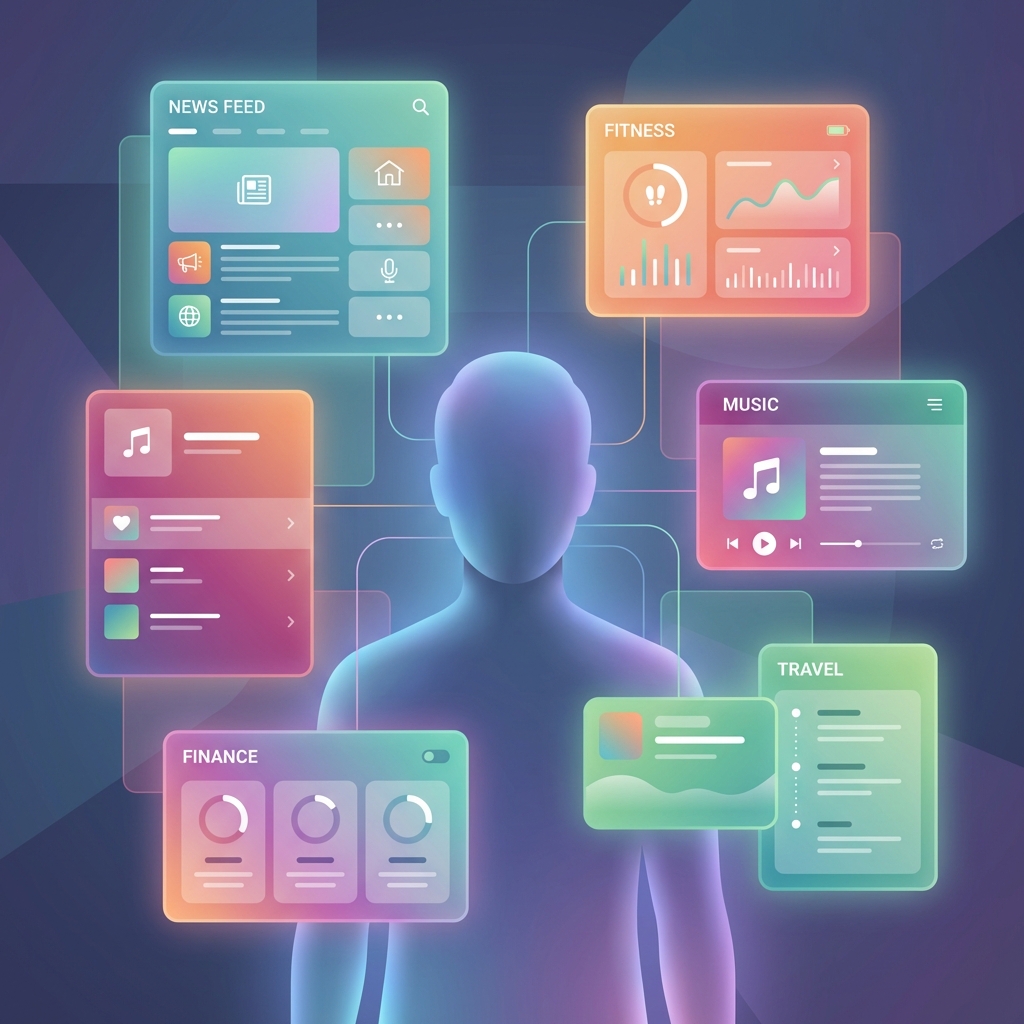
Context: Netflix doesn’t just recommend movies; they personalize the thumbnail you see. The AI Workflow:
- Analysis: AI knows you watch Romantic Comedies.
- Selection: For the movie “Good Will Hunting” (a drama), it selects the artwork showing the romantic subplot (Matt Damon & Minnie Driver) instead of the math subplot.
- Outcome: You click, because it mapped the content to your interest graph.
Design Implication: The designers didn’t design one thumbnail; they designed/approved a system that serves millions of variants[1].
6) Implementation Guide for Design Teams
| Phase | Duration | Focus | Key Activities |
|---|---|---|---|
| 1 | Weeks 1-4 | Data | Collaborate with Data Science. What segments effectively exist? (Don’t guess). |
| 2 | Month 2 | Variants | Design the variant. “Design the ‘Low Density’ card and the ‘High Density’ card.” |
| 3 | Month 3 | Rules | Define the logic. “IF session_count > 10 THEN show ‘High Density’.” |
7) Risks, Ethics & Quality Control
- Filter Bubbles: Showing users only what they agree with narrows their worldview. Mitigation: Introduce “Serendipity” (random deviation) in feeds.
- Creepiness: “How did you know I’m pregnant?” (Target Case Study). Mitigation: Be transparent. “Recommended because you viewed X.”
- Inconsistency: If the interface changes every time I login, I can’t build muscle memory. Mitigation: Never move core navigation. Personalize content, not navigation.
8) Future Outlook (2026-2028)
- Generative UI on the Edge: Your phone will re-skin apps to match your preferred font size and contrast automatically.
- The “Concierge” Interface: No menus. Just a chat bar and a dynamic “Widget Surface” that serves exactly what you need right now.
- Action Step: Stop designing static screens. Design component states.
References
[1] Netflix Tech Blog, “Artwork Personalization at Scale.”
[2] Nielsen Norman Group, “Adaptive Interfaces vs Consistency.”
[3] Forrester, “The Uncanny Valley of Personalization,” 2025.
Related Articles
Design Ops & Workflow Automation: The "No-Boring-Work" Future
How to use AI to automate redlines, manage Jira tickets, and QA your designs. Tools like Zeplin, Linear, and custom Figma scripts.

Multimodal Prototyping: Beyond the Screen (Voice, Vision, Gesture)
We live in a post-mouse world. How to prototype Voice UIs using Voiceflow, Vision Pro apps using Spline, and multimodal AI interactions without writing code.
Accessibility & Inclusive Design with AI: Better Compliance, Less Friction
AI can auto-generate alt text, simulate color blindness, and audit contrast. But can it replace a human audit? We explore tools like Stark and axe DevTools.