Design Ops & Workflow Automation: The "No-Boring-Work" Future
How to use AI to automate redlines, manage Jira tickets, and QA your designs. Tools like Zeplin, Linear, and custom Figma scripts.
1) Context & Hook
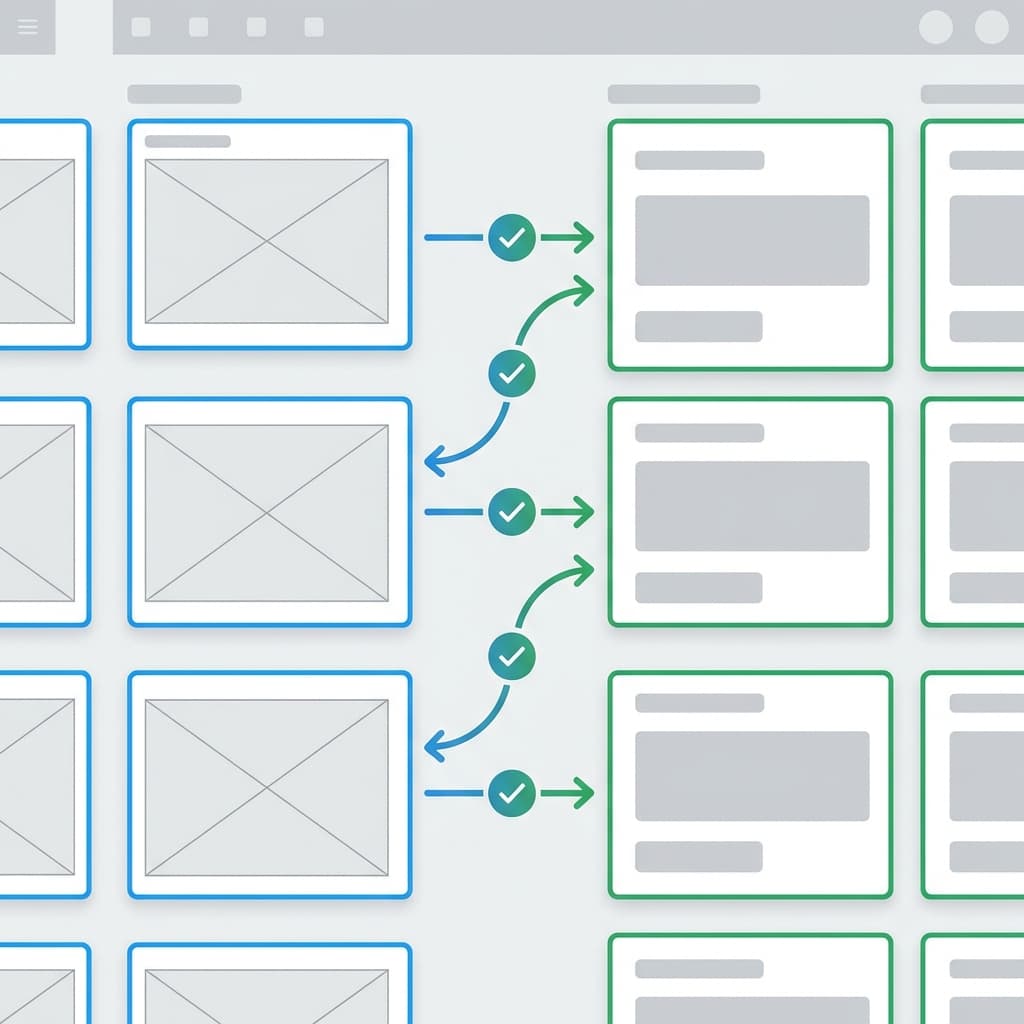
Designers spend 40% of their time designing and 60% of their time “managing”: writing Jira tickets, manually exporting assets, checking for regression bugs, and arguing about padding. Design Ops (Design Operations) is the discipline of scaling design value, not design hours. AI Turbocharges Design Ops. It acts as the “glue” between Designer Intent (Figma) and Developer Reality (Code), automating the administrative friction that burns teams out.
2) The Technology Through a Designer’s Lens
This isn’t “Generative Art.” This is “Scripting & Analysis.” We use LLMs to parse text (specs) and Computer Vision to parse visuals (QA).
- Visual Regression: “Compare this screenshot to the Figma frame. Highlight 1px differences.”
- Spec Generation: “Read this frame properties and write a CSS snippet.”
Representative Tools:
- Zeplin: The classic handoff tool, now with AI “Omlet” for component analytics.
- Linear / Jira: Using AI to auto-write ticket descriptions from Figma links.
- Storybook: (For Devs/Designers) Automated visual testing.
- Relay (Google): UI component handoff from Figma to Android Compose.

3) Core Design Workflows Transformed
A. The “Handoff” Packet
- Old Workflow: Designer manually types redlines. “This margin is 16px.” Developer ignores it.
- AI Workflow: Zeplin/DevMode. “Highlight all changes since last version.” AI explains: “Changed button padding from 12px to 16px to match accessibility rules.”
- Impact: Clarity. History tracking.
B. Ticket Writing
- Old Workflow: Copy-paste link. Write “Pls build this.” Developer asks: “What happens on error?” Designer sighs.
- AI Workflow: Linear integration. “Create ticket from this frame.” AI analyzes the frame (states, errors) and writes acceptance criteria: “Given user is logged out, When they click Buy, Then show Modal.”
- Impact: Better specs = Better code.
C. Design QA (Visual Testing)
- Old Workflow: Designer takes screenshots of Staging. Overlays them in Photoshop with the design. Squints.
- AI Workflow: Automated Percy/Chromatic script runs on every code commit. “Alert: The homepage footer alignment drifted by 5px.”
- Impact: Catch regressions before release.
4) Tool & Approach Comparison
| Tool | Primary Use | Strengths | Limitations | Pricing | Best For |
|---|---|---|---|---|---|
| Figma Dev Mode | Handoff | Native; always up to date. | Can be expensive (per seat). | $$ | Product Teams |
| Zeplin | Governance | Great for locking versions (not changing live). | Another tool to sync. | $$ | Large Enterprises |
| Linear | Project Mgmt | Best-in-class UI; fast; AI ticket writing. | It’s a PM tool, not a design tool. | $$ | Startups |
| Chromatic | Visual QA | Automated testing for Storybook. | Requires code setup. | $$ | Design Systems Teams |
5) Case Study: Airbnb “Automated Regression”
Context: Airbnb moves fast. Developers often broke “older” pages when shipping “new” features. The Workflow:
- Component System: Every design component maps to a React component.
- Snapshot Testing: Whenever a developer touches a core component (e.g., “Price Card”), an AI agent scans all 500 pages where that card is used.
- Alerting: If the layout breaks on “Booking Page,” the bot blocks the merge. Metrics:
- Visual Regressions: Reduced by 80%.
- Designer Trust: “I don’t have to check every page manually anymore.”
6) Implementation Guide for Design Teams
| Phase | Duration | Focus | Key Activities |
|---|---|---|---|
| 1 | Weeks 1-2 | Naming | You cannot automate chaos. Adopt a strict layer naming convention (or use AI to force it). |
| 2 | Month 1 | Tickets | Install the Jira/Linear plugin in Figma. Stop writing tickets in the browser; write them from the canvas. |
| 3 | Month 3 | QA | Partner with Engineering to set up Visual Regression Testing (Storybook). |
7) Risks, Ethics & Quality Control
- “Computer Says No”: Automated linting might block a creative innovation because it violates a rule. Mitigation: Allow “Override” flags for experimental work.
- Outdated Docs: If the AI generates docs from the file, but the file is old, the docs are a lie. Mitigation: “Main Branch” workflow (Branching management).
- Skill Atrophy: If designers never write specs, they forget how CSS works. Mitigation: Designers should occasionally code (or inspect) to stay sharp.
8) Future Outlook (2026-2028)
- Design-to-Deploy: The gap will close. Figma is the IDE. You hit “Publish” and it updates the React component in the repo via a Pull Request[1].
- Self-Healing UI: The app detects a bug (e.g., text overlap on iPhone Mini) and fixes its own CSS using an AI agent.
- Action Step: Automate the boring stuff so you can focus on the scary stuff.
References
[1] Airbnb Design, “Painting with Code,” 2025.
[2] Linear, “The 2026 Product Workflow,” Blog.
[3] InVision, “Design Maturity Report 2026.”
Related Articles

Multimodal Prototyping: Beyond the Screen (Voice, Vision, Gesture)
We live in a post-mouse world. How to prototype Voice UIs using Voiceflow, Vision Pro apps using Spline, and multimodal AI interactions without writing code.

AI-Driven Personalization & Adaptive Interfaces: Designing for "One User"
Standard "personas" are dead. Learn how adaptive UIs use real-time data to change layout, content, and flow for individual users. Tools like Dynamic Yield and personalized Layout LMs.

Accessibility & Inclusive Design with AI: Better Compliance, Less Friction
AI can auto-generate alt text, simulate color blindness, and audit contrast. But can it replace a human audit? We explore tools like Stark and axe DevTools.