Brand Identity with Generative AI: From Moodboard to Market
How to use Midjourney, Firefly, and custom models to create distinctive brand identities. We explore the legal safety of Adobe Firefly vs the stylistic freedom of Midjourney.
1) Context & Hook
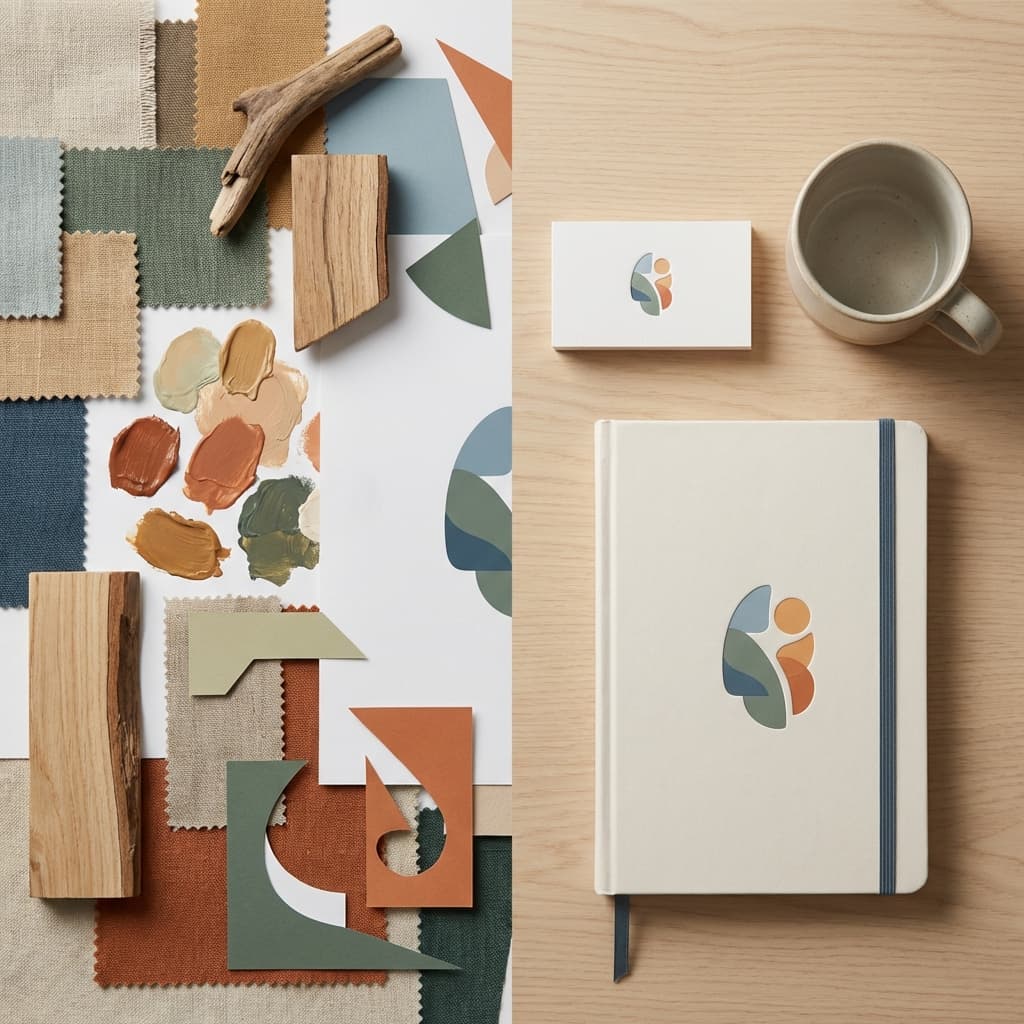
Visual identity projects usually start with “The Search.” Designers scour Pinterest, Behance, and design annuals for days to find images that capture a specific “vibe.” Generative AI collapses this search phase. Instead of finding an image that is kind of like what you want, you generate the exact image you want. However, the challenge shifts from “finding inspiration” to “avoiding the generic.” When everyone uses the same Midjourney prompts (“minimalist, geometric, trending on artstation”), how do you build a brand that stands out?
2) The Technology Through a Designer’s Lens
Generative image models (Diffusion Models) learn the statistical relationship between text and pixels.
- General Models (Midjourney/DALL-E 3): Trained on the entire internet. Great for wild creativity, surrealism, and broad exploration.
- Commercially Safe Models (Adobe Firefly): Trained only on Adobe Stock. Safer for client work, but sometimes “stiffer” or less artistic.
- Custom Models (LoRAs): You train a model on your specific brand assets (your colors, your product photos) to ensure consistency.
Representative Tools:
- Midjourney: The king of aesthetic quality. Best for moodboards and concepts. (Discord-based).
- Adobe Firefly: Integrated into Photoshop/Illustrator. Workflow-ready and legally indemnified.
- Kittl: Vector-based AI generation. Great for logos and t-shirt graphics.
- Looka: Algorithm-driven “instant logo” maker. Good for low-budget/MVP, bad for premium brands.

3) Core Design Workflows Transformed
A. Moodboarding (Style Territories)
- Old Workflow: Save 50 images from Pinterest. Assemble in Figma.
- AI Workflow: Prompt: “Cyberpunk visuals mixed with 1950s diner aesthetic, pastel color palette.” Generate 20 options.
- Impact: Designers can present 5 distinct “Style Territories” on Day 1, exploring much riskier ideas because they are cheap to visualize.
B. Logo Ideation
- Old Workflow: Sketching 100 iterations on paper. Vectorizing the best 3.
- AI Workflow: Generate 100 vector-style icons. “Abstract bird logo, geometric, thick lines.”
- Impact: Be careful. AI logos often look generic or have weird artifacts. Use this for shape exploration, not final delivery.
C. Brand Asset Creation (Photography)
- Old Workflow: Expensive photoshoots ($10k+) or generic stock photos.
- AI Workflow: “Photorealistic shot of our diverse team working in a modern office, wearing our blue branded hoodies.”
- Impact: Custom photography for every blog post, zero stock photo cost.
4) Tool & Approach Comparison
| Tool | Primary Use | Strengths | Limitations | Pricing | Best For |
|---|---|---|---|---|---|
| Midjourney | Concept Art / Mood | Unmatched artistic quality; “Style Reference” feature. | Not vector; weird text; usage rights fuzzy. | $ (Sub) | Agencies / Art Directors |
| Adobe Firefly | Production Assets | “Generative Fill” is a productivity godsend. Safe for commercial use. | Can struggle with specific artistic styles. | Part of CC | In-House Teams |
| Kittl | Merch / Layout | Text-aware; great for posters and logos. | Limited 3D capabilities. | $$ | Freelancers / Print Design |
| Stable Diffusion | Custom Models | Infinite control; run locally; train on your own style. | High technical barrier (requires GPU). | Free (Open) | Tech-Savvy Studios |
5) Case Study: “Oatly-style” Campaign Implementation
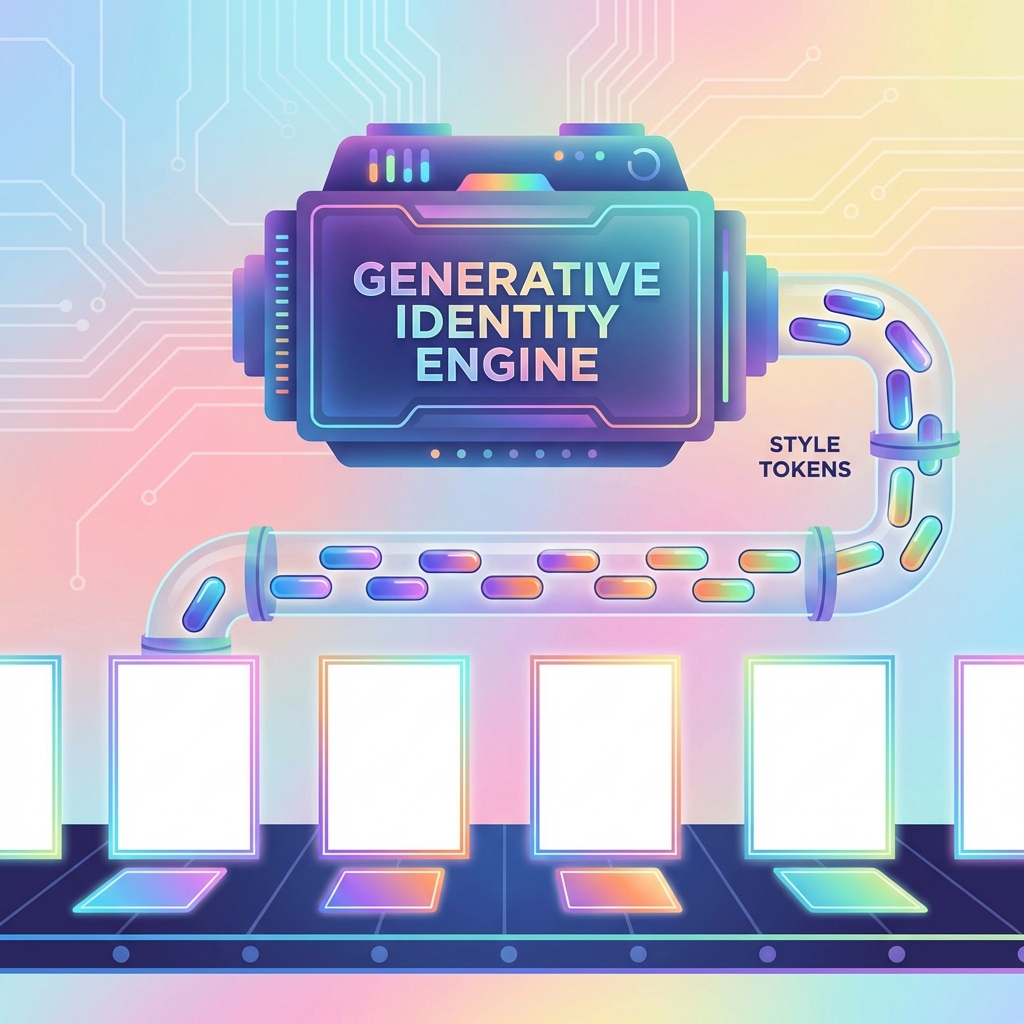
Context: A beverage startup wanted a playful, illustrated brand identity similar to Oatly, but with a sci-fi twist. Challenge: They couldn’t afford an illustrator to draw 500 unique assets for their website and packaging.
The AI Workflow:
- Style Training: The design team hired an illustrator to draw 20 key assets (hero characters, icons).
- Training: They used these 20 images to train a “Style Reference” in Midjourney (or a LoRA in Stable Diffusion).
- Scale: They generated 500 variations: “The character drinking coffee in space,” “The character surfing on a comet.”
- Touch-up: Designers fixed the weird hands and vectorized the unexpected cool outputs.
Metrics:
- Cost: 10% of traditional illustration budget.
- Consistency: The AI maintained the specific “marker texture” of the original 20 drawings perfectly.
6) Implementation Guide for Design Teams
| Phase | Duration | Focus | Key Activities |
|---|---|---|---|
| 1 | Weeks 1-2 | Legal Check | Consult legal team. Can we use AI images in final marketing? (Usually: Yes, but you can’t trademark the image itself). |
| 2 | Month 1 | Workflow | Establish the “Sandwich” method: Human Prompt -> AI Gen -> Human Edit. Never ship raw AI. |
| 3 | Month 2 | Library | Build a prompt library. “Our brand prompt is: ‘Cinematic lighting, shot on 35mm, wide angle, brand-blue tint’.” |
Policy Strategy: Clearly label files in the DAM (Digital Asset Management) as AI-Generated vs Human-Photo.
7) Risks, Ethics & Quality Control
- Copyrightability: In the US, you cannot copyright a purely AI-generated image. Mitigation: Significant human modification (Photoshop overpainting) is required to claim ownership.
- Bias: “CEO” prompt usually returns a white man. “Technician” returns a man. Mitigation: explicitly prompt for diversity: “A female CEO,” “A diverse team.”[1]
- The “Uncanny Valley”: AI hands and eyes can still look creepy at full resolution. Mitigation: Upscale and manually retouch every single human face.
- Brand Dilution: If every employee can generate assets, the brand breaks. Mitigation: Only the Design Team is allowed to generate “Official” assets.
8) Future Outlook (2026-2028)
- Video Branding: Brand guidelines will include “Motion Tokens”—how the brand moves. AI video generators will output branded content automatically[2].
- Real-time Photography: E-commerce sites will generate product photos on the fly. “Show me this couch in my living room” (using user’s uploaded photo).
- Action Step: Master In-painting. The skill isn’t generating a whole image; it’s fixing specific parts of it.
References
[1] Adobe, “Firefly Safety & Bias Report,” 2025.
[2] Runway, “Gen-3 Enterprise Case Studies,” 2026.
[3] AIGA, “Design Futures Report 2026,” Jan 2026.
[4] Copyright Office, “AI Registration Guidance,” 2025 Update.
Related Articles
Design Ops & Workflow Automation: The "No-Boring-Work" Future
How to use AI to automate redlines, manage Jira tickets, and QA your designs. Tools like Zeplin, Linear, and custom Figma scripts.
Multimodal Prototyping: Beyond the Screen (Voice, Vision, Gesture)
We live in a post-mouse world. How to prototype Voice UIs using Voiceflow, Vision Pro apps using Spline, and multimodal AI interactions without writing code.
AI-Driven Personalization & Adaptive Interfaces: Designing for "One User"
Standard "personas" are dead. Learn how adaptive UIs use real-time data to change layout, content, and flow for individual users. Tools like Dynamic Yield and personalized Layout LMs.